






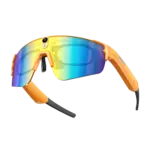

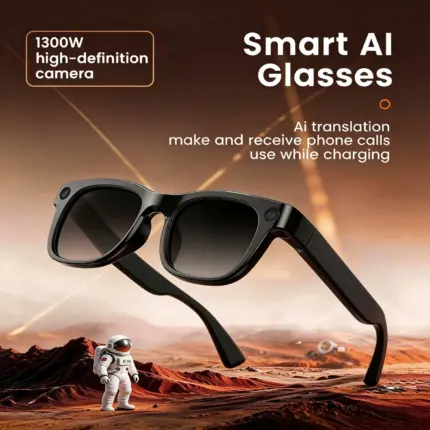
13MP Camera Smart Glasses | Multi-functional AI Eyeglasses
Original price was: $178.00.$176.00Current price is: $176.00.
🚚 Direct shipment from factory in Shenzhen, China: Shipped via DHL/FedEx
⏱ We promise: Orders will be shipped within 60 hours, with full logistics tracking available.
🛡️ 2-year comprehensive after-sales support
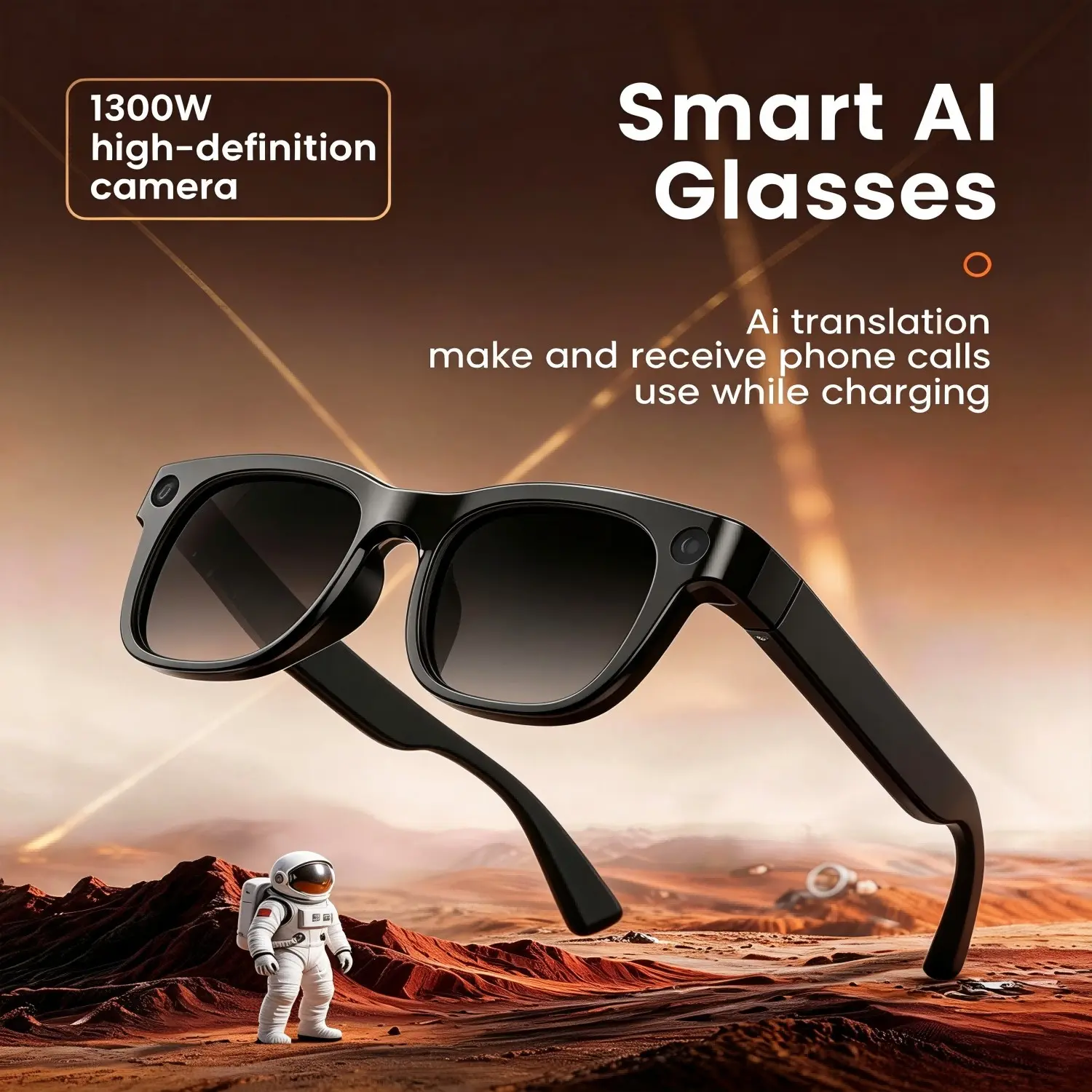
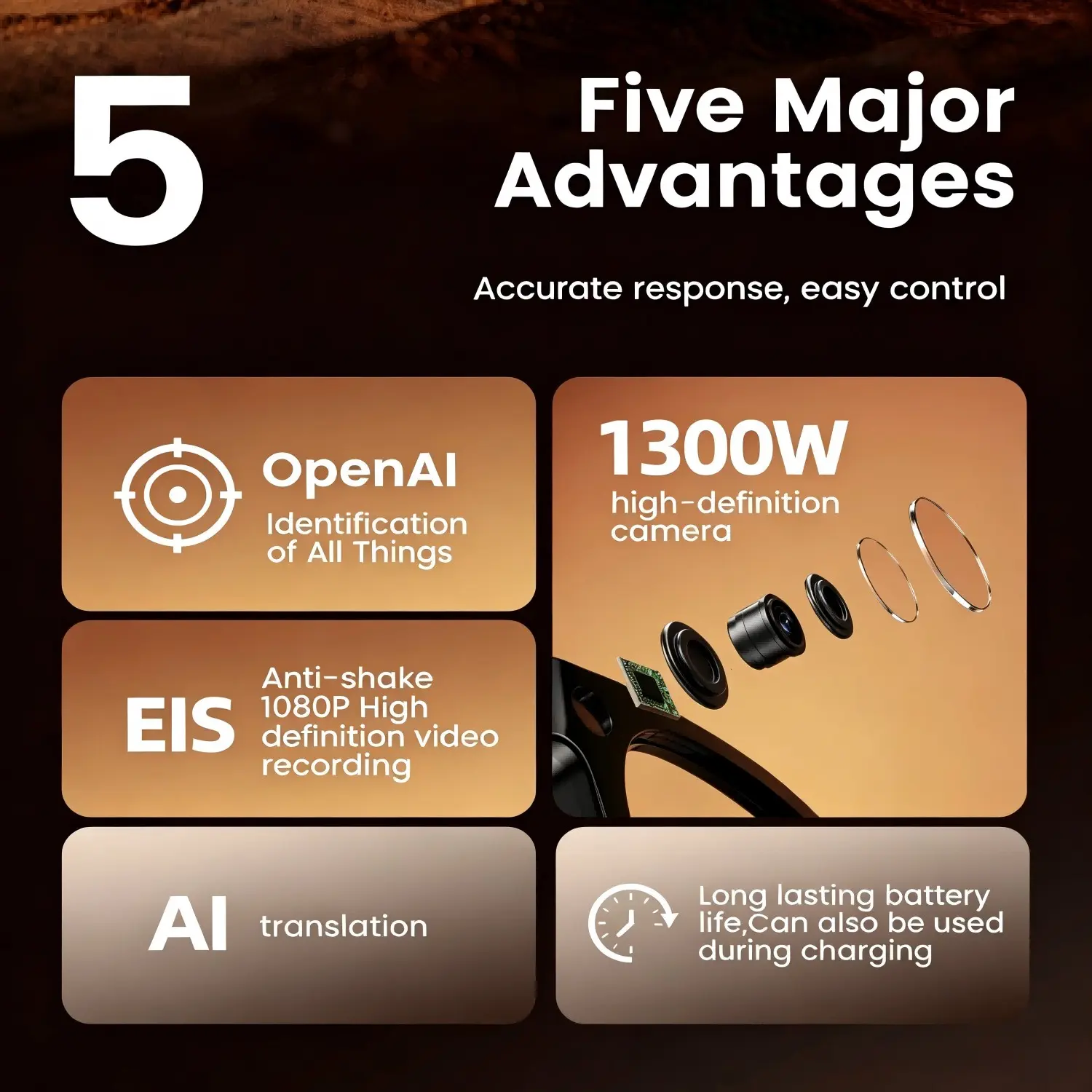
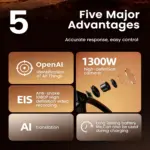
🤖 Versatile functions: Shooting, Translation, AI Identification, Music & Call
⚖️ Lightweight: 35g
📸 EIS Electronic Image Stabilization
✅ Complete CE, ROHS, FCC and RED certifications
💬 Frequently Asked Questions (FAQ)
🤖 AI & Translation Functions
Q1: How does the AI translation work, and which languages are supported?
A: Our smart glasses utilize advanced AI translation algorithms to provide real-time audio and visual translation. The built-in 13MP camera can scan foreign text (menus, street signs, documents), while the microphone captures spoken conversations, instantly translating them into your chosen language. We currently support over 40+ major world languages and dialects.
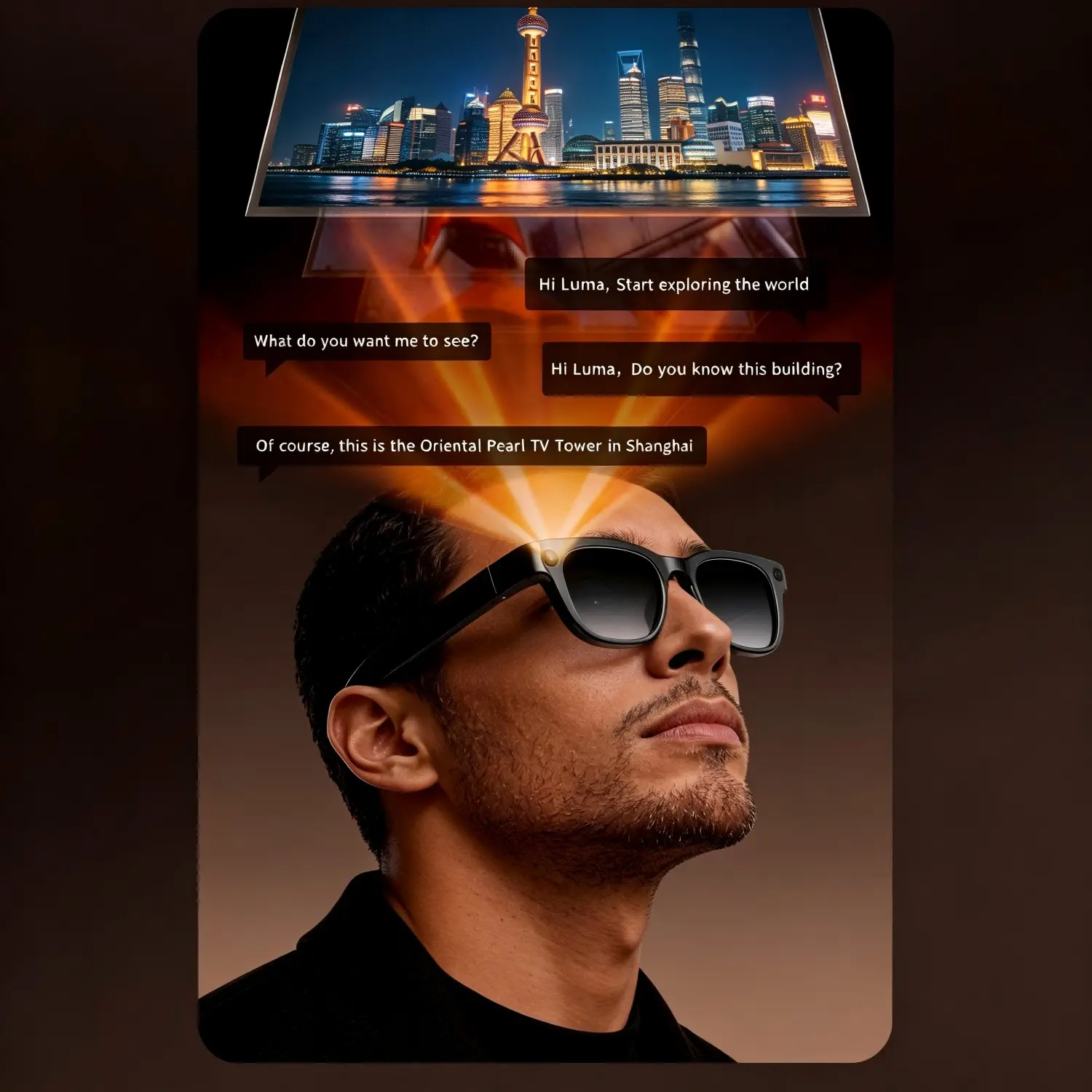
Q2: What is the “OpenAI Identification of All Things” feature?
A: Powered by cutting-edge OpenAI visual models, these glasses feature OpenAI Identification of All Things. Simply look at an object, plant, landmark, or product, and press the smart button. The glasses will instantly identify what it is and provide detailed descriptions or educational insights right into your ears or companion app.
📸 Camera & Video Recording
Q3: How clear is the built-in camera, and does it support image stabilization?
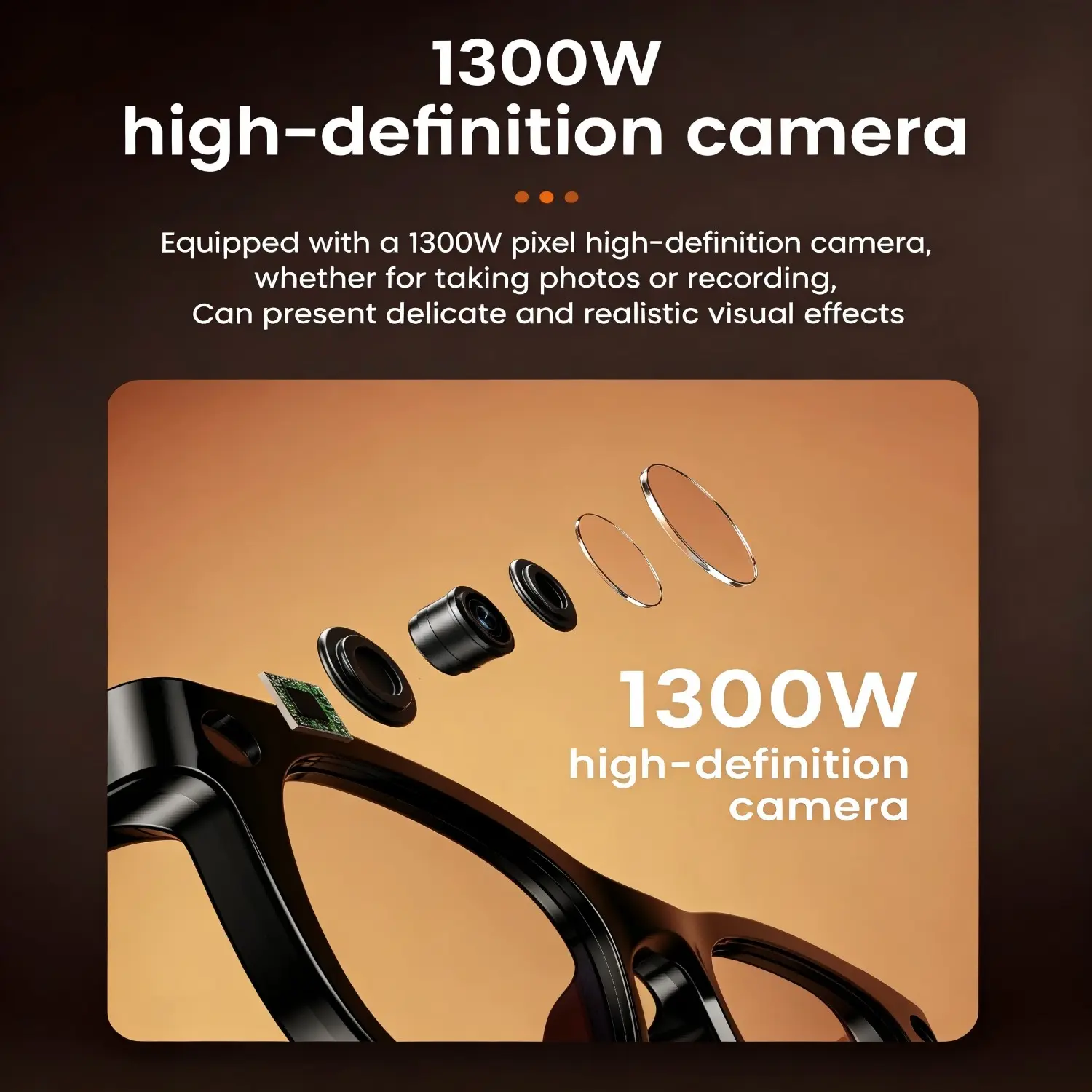
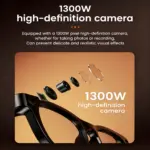
A: The glasses feature a premium 1300W (13MP) high-definition camera capable of snapping vibrant first-person photos. For video enthusiasts, it supports crisp 1080P High-Definition video recording paired with EIS (Electronic Image Stabilization) anti-shake technology, ensuring your lifestyle vlogs or travel clips remain incredibly smooth even while you’re running or cycling.
Q4: Are there privacy indicators when the camera is recording?
A: Yes, absolutely. We highly value privacy. The glasses are equipped with a subtle, front-facing LED indicator light that illuminates whenever the camera is actively recording video or taking photos, notifying those around you out of courtesy.
🔋 Battery Life & Charging
Q5: How long does the battery last on a single charge?
A: The glasses boast a long-lasting battery life that can easily power through up to 4–6 hours of mixed-use (continuous translation, music playback, and occasional filming).
Q6: Can I use the glasses while they are charging?
A: Yes! Unlike many other smart glasses on the market, our device can also be used during charging. You can seamlessly plug them into a portable power bank via the lightweight charging cable and continue recording or translating without any interruptions during long day trips.
👓 Comfort & Customization
Q7: Can I replace the lenses with my own prescription/near-sighted lenses?
A: Yes, the frame is specifically engineered to be prescription-friendly. You can take the glasses to your local optometrist to have custom prescription or near-sighted lenses fitted easily into the optical frame.
Q8: Are these smart glasses heavy or uncomfortable for all-day wear?
A: Not at all. Despite packing a 13MP camera, EIS stabilization chips, and a high-capacity battery, the glasses utilize an ultra-lightweight, ergonomic composite material. The weight is balanced perfectly between the ears and the nose bridge to ensure fatigue-free, all-day comfort.
Shipping policy
Last Updated: July 2025
We are committed to delivering your order safely and efficiently. Please review the following Shipping Policy before placing an order.
1. Order Processing
All orders are subject to product availability and payment verification.
Orders are typically processed within 1–3 business days after payment confirmation.
During periods of high demand, holidays, promotional events, or unforeseen circumstances, processing times may be extended.
Orders are not processed, shipped, or delivered on weekends or public holidays.
2. Product Preparation
Many of our jade and gemstone pieces are individually inspected and prepared before shipment.
As natural materials may vary in appearance, each piece undergoes a quality review process to ensure it meets our standards.
Additional preparation time may occasionally be required for certain products.
3. Shipping Origin
Most orders are shipped directly from our sourcing and fulfillment facilities located in mainland China.
Depending on inventory availability, some orders may be fulfilled through authorized logistics partners or regional fulfillment facilities.
4. Shipping Destinations
We currently offer shipping to customers in many countries and regions worldwide.
However, we reserve the right to limit, suspend, or refuse shipments to certain destinations due to:
- Local regulations
- Carrier restrictions
- Sanctions
- Operational limitations
- Excessive shipping risk
If we are unable to ship to your location, you will be notified and any payment received will be refunded.
5. Estimated Delivery Times
Estimated delivery times vary depending on destination, customs processing, carrier performance, and local conditions.
Typical delivery estimates:
| Region | Estimated Delivery Time |
|---|---|
| United States | 7–15 Business Days |
| Canada | 7–18 Business Days |
| United Kingdom | 6–12 Business Days |
| Europe | 7–15 Business Days |
| Australia & New Zealand | 7–15 Business Days |
| Asia | 5–12 Business Days |
| Other Regions | 10–25 Business Days |
These delivery estimates are not guaranteed and should be considered approximate.
6. Shipping Confirmation and Tracking
Once your order has been shipped, you will receive a shipping confirmation email containing tracking information when available.
Tracking updates are provided by third-party shipping carriers and may occasionally experience delays.
Please allow up to 72 hours for tracking information to become active after shipment.
7. Customs Duties, Taxes, and Import Fees
International shipments may be subject to:
- Customs duties
- Import taxes
- VAT
- GST
- Government fees
- Brokerage charges
These charges are determined by the destination country's authorities and are the responsibility of the customer unless otherwise stated at checkout.
MyKarmaSoul has no control over these charges and cannot predict their amount.
Customers are encouraged to review local import regulations before placing an order.
8. Customs Delays
International shipments may be delayed due to customs inspections or clearance procedures.
Such delays are beyond our control and are not considered shipping failures.
Refunds or compensation will not be provided for delays caused by customs processing.
9. Incorrect Shipping Information
Customers are responsible for providing complete and accurate shipping information.
If incorrect or incomplete shipping information is provided:
- Delivery delays may occur.
- Additional shipping fees may apply.
- Returned packages may require reshipment charges.
MyKarmaSoul is not responsible for orders delivered to an incorrectly provided address.
10. Lost Packages
If tracking indicates that a package has been lost in transit, please contact our customer support team.
We will work with the carrier to investigate the shipment.
Claims may require verification and carrier confirmation before a replacement or refund can be considered.
11. Delivered but Not Received
If tracking information shows that a package has been successfully delivered but you cannot locate it, we recommend:
- Checking with household members
- Checking with neighbors
- Contacting the carrier directly
- Reviewing delivery instructions
Once a package is marked as delivered by the carrier, responsibility may transfer to the recipient.
We may assist with investigations but cannot guarantee reimbursement for packages confirmed as delivered.
12. Damaged Shipments
If your order arrives damaged, please contact us within 7 days of delivery.
Please provide:
- Your order number
- Photos of the packaging
- Photos of the product
- Description of the damage
We will review the claim and determine an appropriate resolution.
13. Multiple Shipments
In some cases, products may be shipped separately.
You may receive multiple tracking numbers and deliveries for a single order.
Additional shipping charges will not be incurred unless specifically disclosed.
14. Force Majeure
We are not responsible for shipping delays caused by events beyond our reasonable control, including:
- Natural disasters
- Severe weather
- Customs inspections
- Government actions
- Labor disputes
- Transportation disruptions
- Public health emergencies
- Carrier service interruptions
15. Shipping Policy Updates
We reserve the right to modify this Shipping Policy at any time.
Changes become effective immediately upon posting to our website.
16. Contact Us
If you have any questions regarding shipping or delivery, please contact us:
Email: [email protected]
Address:
Unit No.4B, 5/F, Hunghom Commercial Centre, Tower B, No.37 Ma Tau Wai Road, Hunghom, Kowloon, Hong Kong
Website: auracraftlab.com
Related products
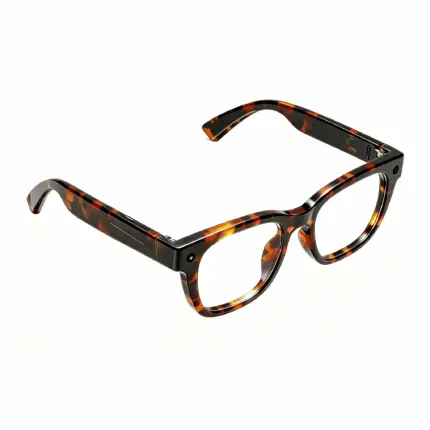

13MP AI Camera Smart Glasses | Multi-functional AI Eyeglasses
Original price was: $169.00.$166.00Current price is: $166.00.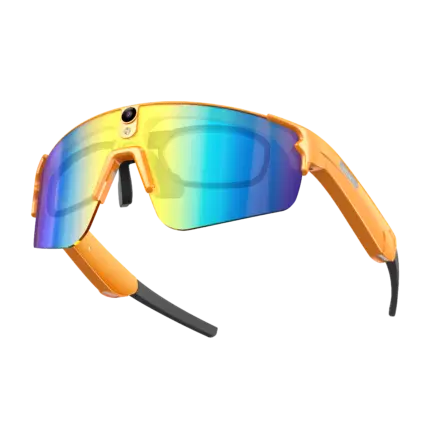
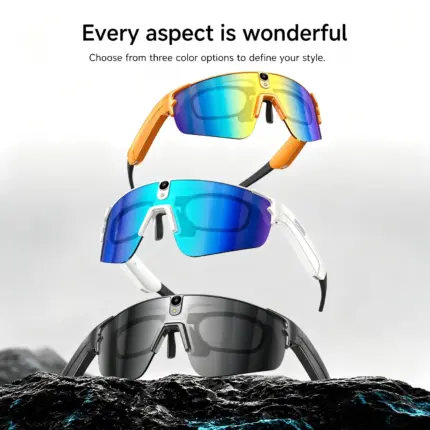
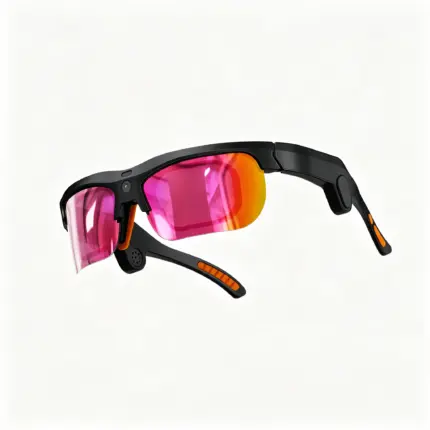
8MP AI Camera Smart Sports Glasses for Cycling | HD Video Recording, Translation & Anti-Slip Design for Outdoor Sports
Original price was: $178.00.$176.00Current price is: $176.00.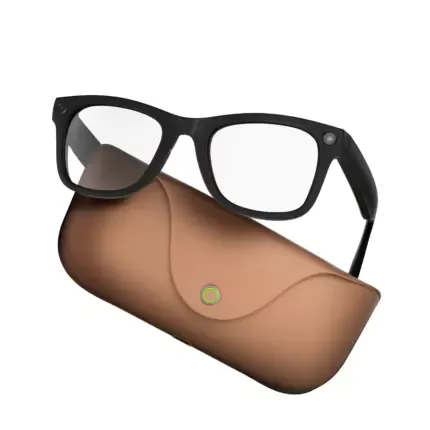

MT5 Ultra Smart Glasses with 8MP AI Camera | Prescription Lens Replaceable Next-Gen Smart Recording Glasses with Real-Time Translation & Charging Case
Original price was: $179.00.$176.00Current price is: $176.00.pcs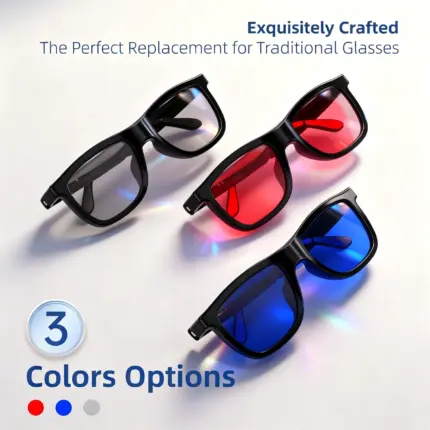

 Red
Red


Reviews
There are no reviews yet.